author: moses creation date: 2022-07-28 09:13 modification date: 星期四 28日 七月 2022 09:13:48 aliases: 关于ES安全认证及授权的加固方案 description: 作为ES未授权问题的修复建议以及总体使用ES的安全建设方案 tags: ElasticSearch 安全加固方案
ES安全加固方案
概述和背景
ES安全风险及危害
主要风险: - ES配置方面:未授权配置导致的数据泄露、数据破坏 - ES版本及插件存在漏洞:数据勒索
ES安全演进历史revolution
- 6.3版本之前X-pack需要单独安装
- 6.3(含)及之后版本X-pack已经集成到Elasticsearch
- 如果没有第三方加固,1.X——6.8之前版本,Elasticsearch 都属于裸奔状态。
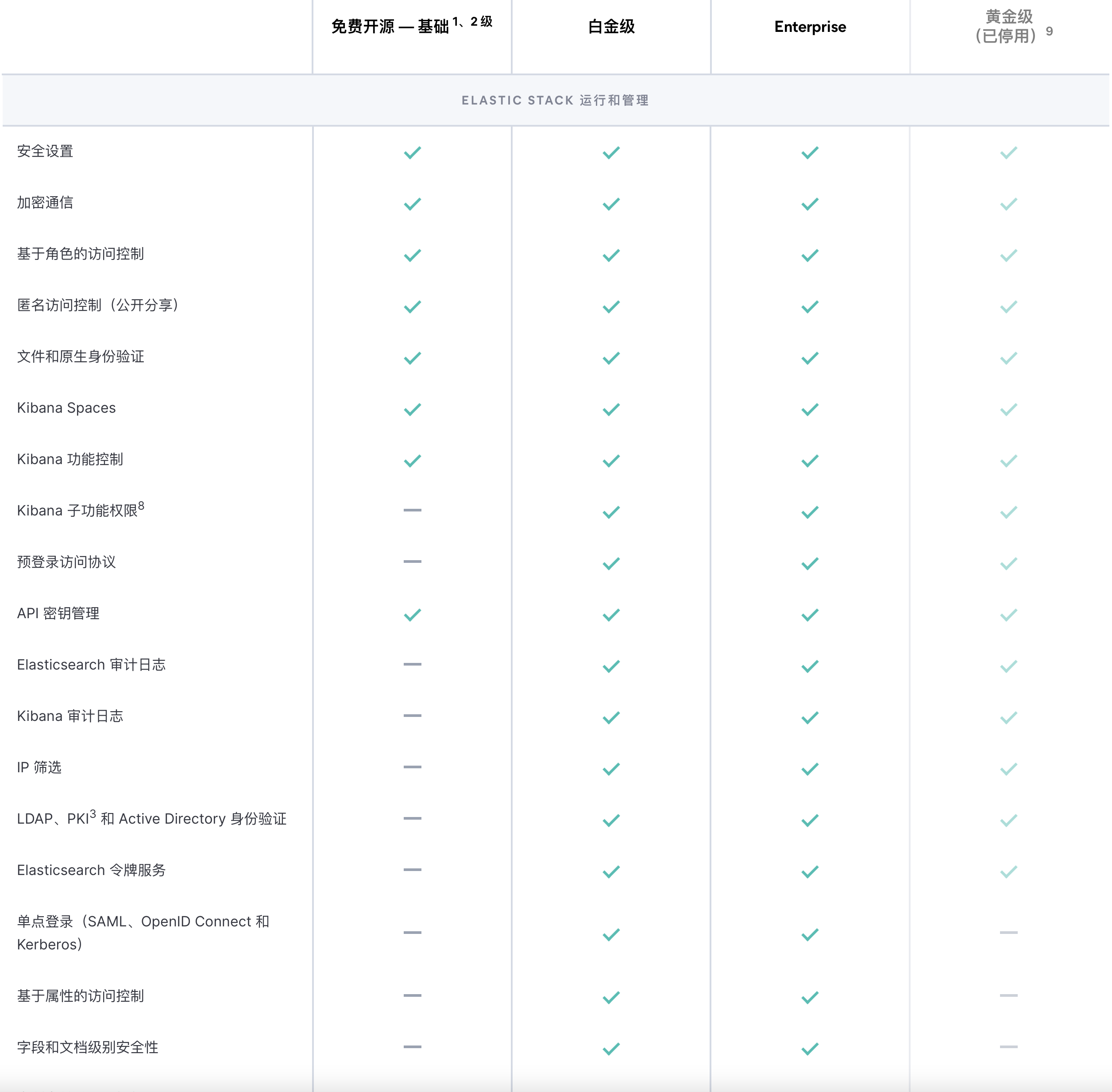
- 6.8版本和7.1版本之后,ES X-pack基础功能免费
- 1.X——7.X,Elasticsearch 安全都不是必选项,也就是部署 Elasticsearch 安全是否开启都是自己随意的,Elasticsearch 没有强制要求。
- 8.X版本,ES自动默认集成安全功能
X-Pack 正式开放 | Elastic自从我们在 2018 年做出这一改变后,情况已经发生了变化,于是我们宣布进一步变更我们的许可策略。从 6.3 版开始,所有免费 X-Pack 功能(监测、Search Profiler、Grok Debugger、Elastic 地图服务中的缩放级别、专用 APM UI 等)随 Elasticsearch、Kibana、Beats 和 Logstash 的默认分发版提供。
Elasticsearch 版本迭代历史
| 发布日期 | 版本号 | 时间间隔 |
|---|---|---|
| 2010-05-14 | V0.7 | |
| 2014-02-14 | V1.0 | 1372 天 |
| 2015-10-28 | V2.0 | 621 天 |
| 2016-10-26 | V5.0 | 364 天 |
| 2017-11-14 | V6.0 | 384 天 |
| 2019-04-10 | V7.0 | 512 天 |
| 2022-02-11 | V8.0 | 1038 天 |
ES安全加固
- 重要数据不要放到”公网“:无论自建云平台还是公有云平台


- 集群不要”裸奔“
- 集群版本要尽量保持到升级到最新的文档版本
-
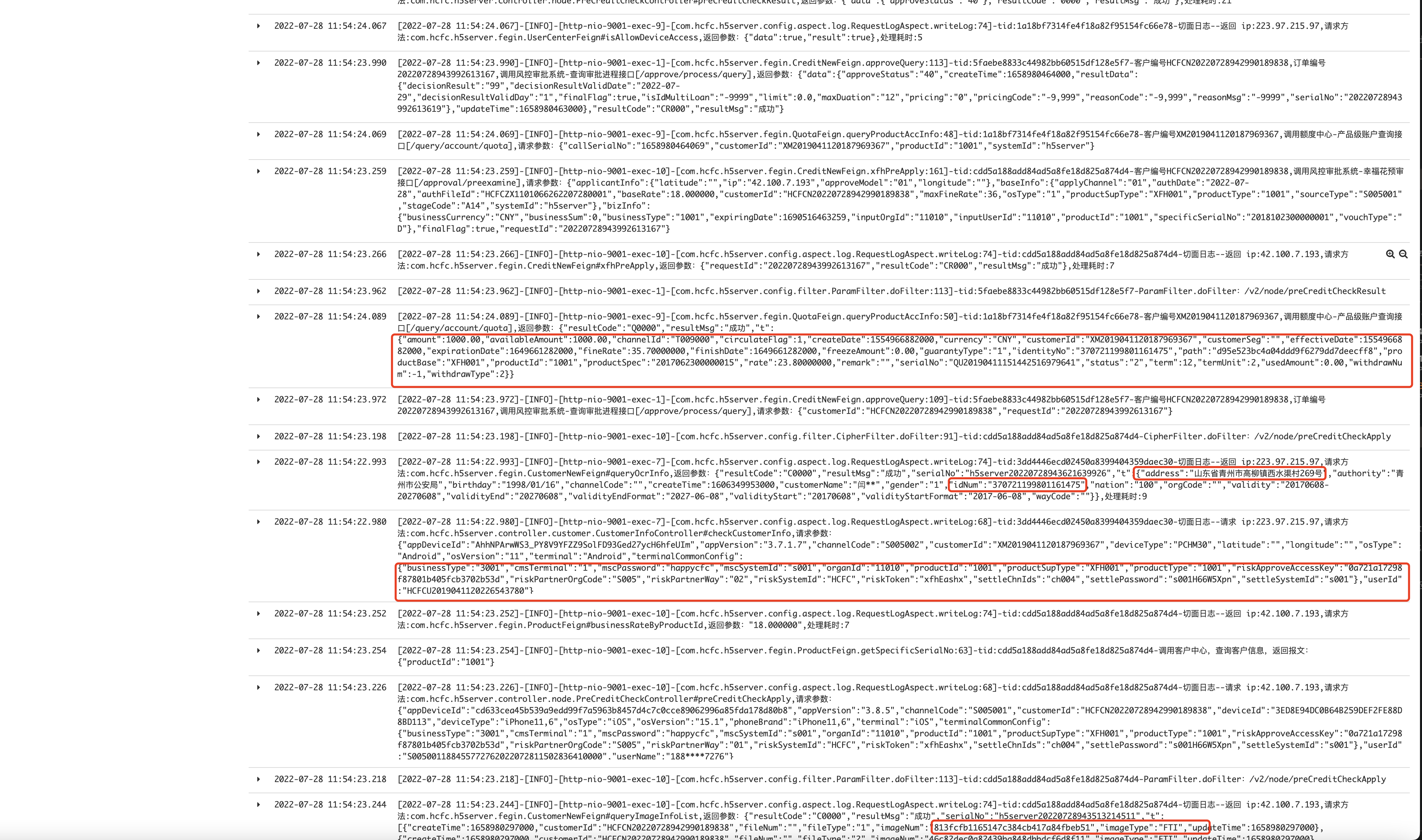
重要数据脱敏,如身份证、手机号、姓名、住址等。
-
必要时可以在集群外增加一层代理机制
在Elasticsearch中配置安全性-6.6.0版本参考
Configuring security in Elasticsearch | Elasticsearch Guide [6.6] | Elastic
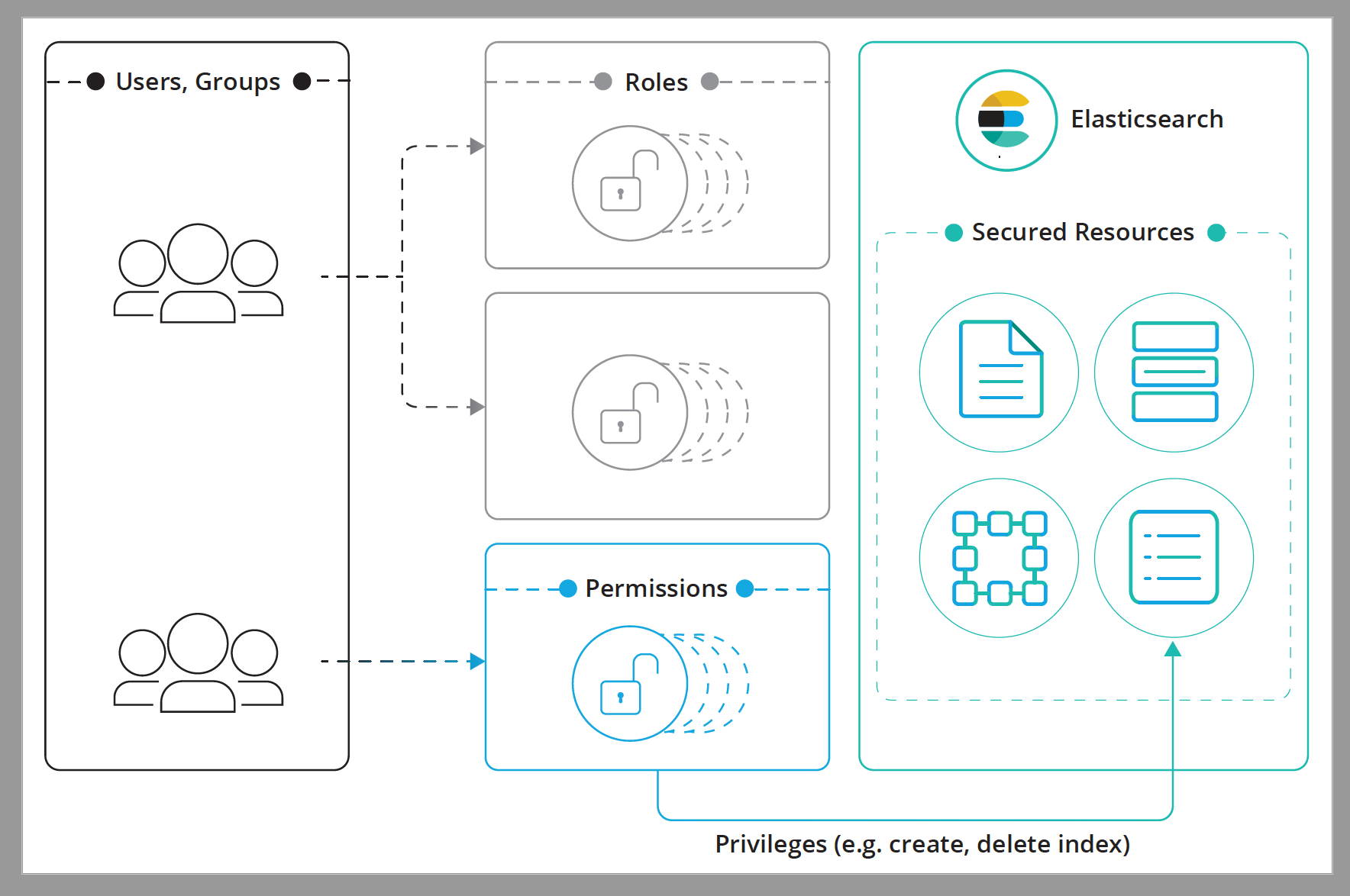
用户授权基于RBAC的访问控制User authorization | Elasticsearch Guide [6.6] | Elastic
 使用TLS加密通信Setting Up TLS on a cluster | Elasticsearch Guide [6.6] | Elastic
加固方案-集群代理
Nginx
- 生成密码文件
printf "esuser:$(openssl passwd -crypt MySecret)\n" > /etc/nginx/passwords
- 自签证书
sudo mkdir /etc/nginx/ssl
sudo openssl req -x509 -nodes -days 365 -newkey rsa:2048 -keyout
/etc/nginx/ssl/nginx.key -out /etc/nginx/ssl/nginx.crt
- 使用SSL添加代理配置并激活基本身份验证到/etc/nginx/nginx.conf
# define proxy upstream to Elasticsearch via loopback interface in
 http {
   upstream elasticsearch {
     server 127.0.0.1:9200;
   }
 }

 server {
   # enable TLS
  listen 0.0.0.0:443 ssl;
  ssl_certificate /etc/nginx/ssl/nginx.crt;
  ssl_certificate_key /etc/nginx/ssl/nginx.key
  ssl_protocols TLSv1.2;
  ssl_prefer_server_ciphers on;
    ssl_session_timeout 5m;
    ssl_ciphers "HIGH:!aNULL:!MD5 or HIGH:!aNULL:!MD5:!3DES";

    # Proxy for Elasticsearch
    location / {
            auth_basic "Login";
            auth_basic_user_file passwords;
            proxy_set_header X-Real-IP $remote_addr;
            proxy_set_header X-Forwarded-For $proxy_add_x_forwarded_for;
            proxy_set_header Host $http_host;
            proxy_set_header X-NginX-Proxy true;
            # use defined upstream with the name "elasticsearch"
            proxy_pass http://elasticsearch/;
            proxy_redirect off;
            if ($request_method = OPTIONS ) {
                add_header Access-Control-Allow-Origin "*";
            add_header Access-Control-Allow-Methods "GET, POST, , PUT, OPTIONS";
            add_header Access-Control-Allow-Headers "Content-Type,Accept,Authorization, x-requested-with";
            add_header Access-Control-Allow-Credentials "true";
            add_header Content-Length 0;
            add_header Content-Type application/json;
            return 200;
        }
}
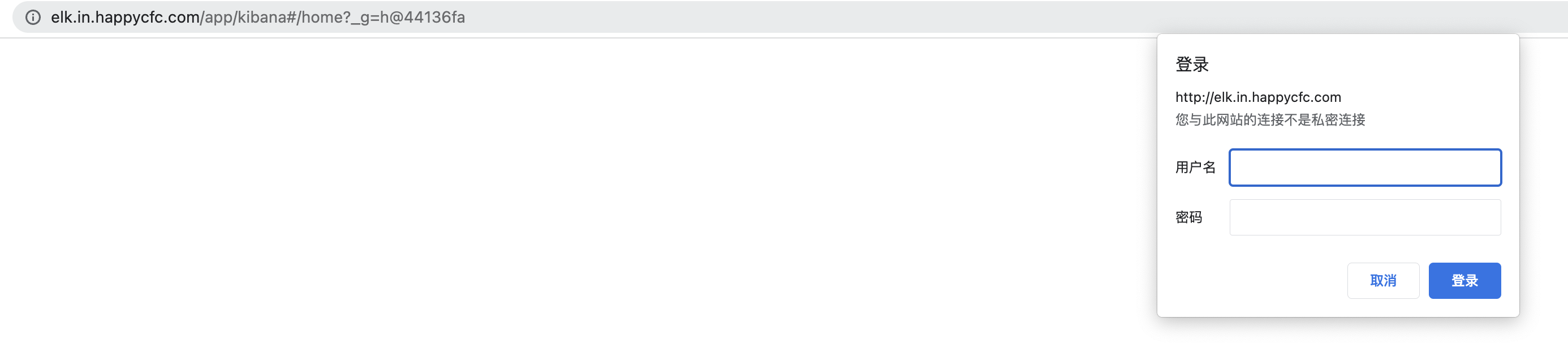
- 重新启动Nginx并尝试通过访问Elasticsearch
极限网关
手册: Elasticsearch | INFINI Gateway 介绍: 极限网关——一个面向Elasticsearch的高性能应用网关
加固方案-ES插件
- Security and Alerting for Elasticsearch and Kibana | Search GuardSearchGuard是Elasticsearch的免费安全插件(部分高级功能收费),包括基于角色的访问控制和SSL / TLS加密的节点到节点通信。
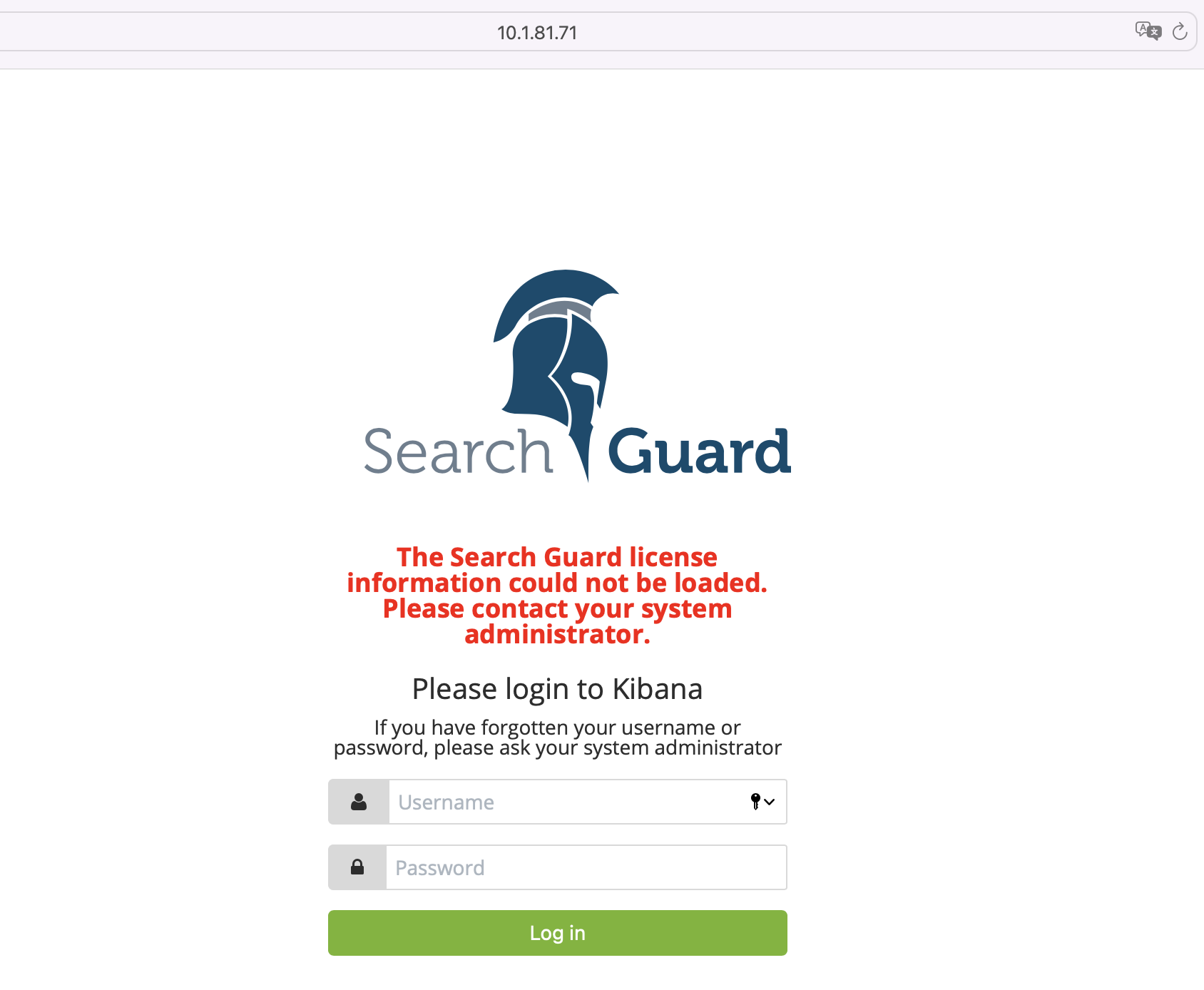
Search Guard Community Edition版本免费、支持安全认证、可以集成到Elastic Stack 企业版试用60天,可以集成大部分安全标准,如LDAP身份验证或JSON Web令牌身份验证;细粒度的文档级安全和访问控制,以及专业的API管理能力。~~只进行了调研未实际部署,部署效果可访问http://10.1.81.71:5601~~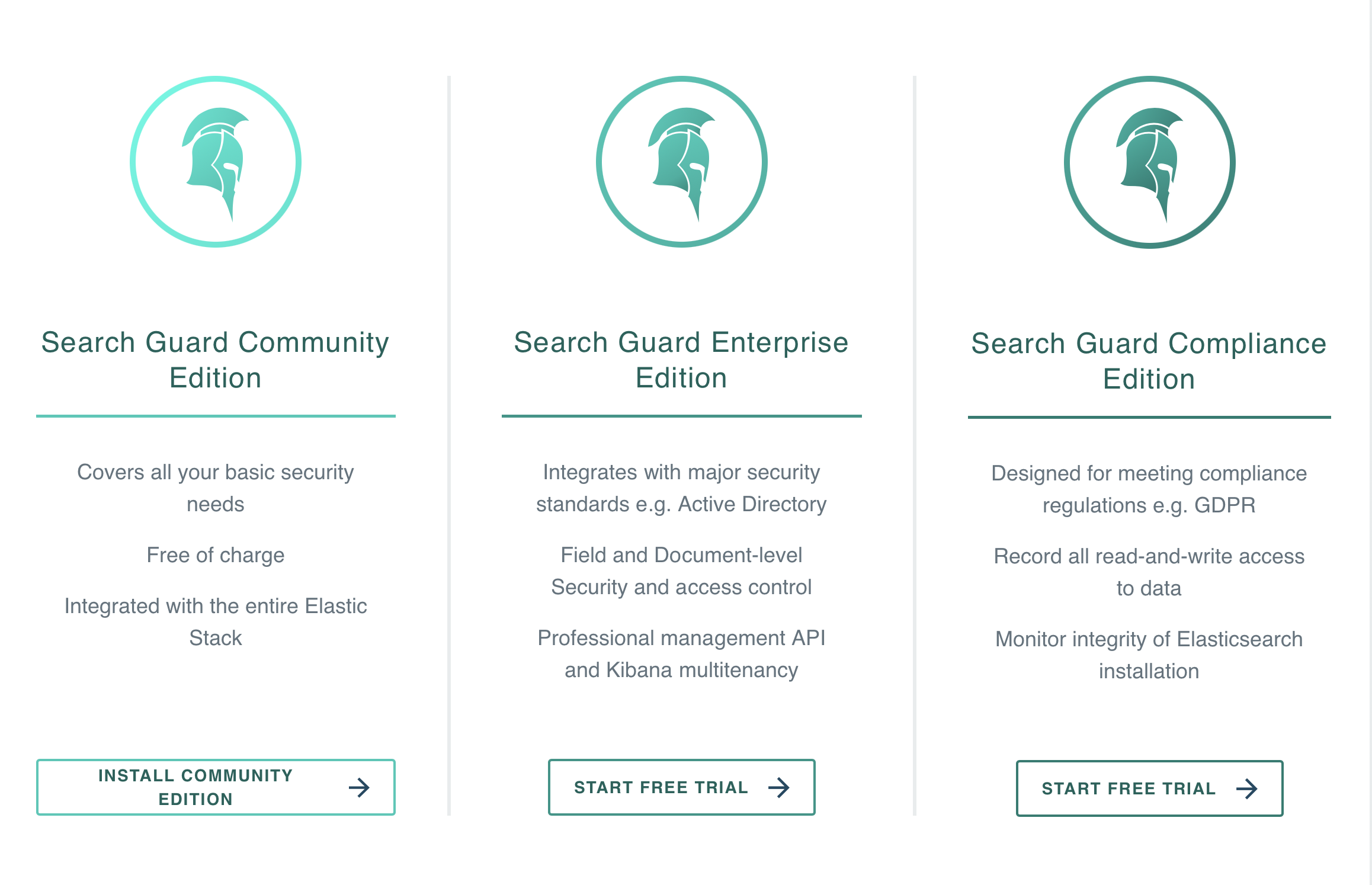
- Security for Elasticsearch and Kibana | ReadonlyREST提供不同类型的身份验证,从基本到LDAP,以及索引和操作级访问控制。
加固方案-网络配置
防火墙配置限制公共端口
# 限制9200—— 集群对外访问端口
iptables -A INPUT -i eth0 -p tcp --destination-port 9200 -s {PUBLIC-IP-ADDRESS-HERE} -j DROP
# 限制9300——集群内部通信端口
iptables -A INPUT -i eth0 -p tcp --destination-port 9300 -s {PUBLIC-IP-ADDRESS-HERE} -j DROP
# 限制5601——kibana访问端口
iptables -A INPUT -i eth0 -p tcp --destination-port 5601 -s {PUBLIC-IP-ADDRESS-HERE} -j DROP
绑定内网IP
# 将elasticsearch.yml中的配置更改为仅绑定到私有IP地址或将单个节点实例绑定到环回接口
network.bind_host: 127.0.0.1
在Elasticsearch和客户端服务之间添加专用网络
如果需要从另一台计算机访问Elasticsearch,请通过VPN或任何其他专用网络连接它们。 在两台机器之间建立安全隧道的快速方法是通过SSH隧道:
ssh -Nf -L 9200:localhost:9200 user@remote-elasticsearch-server
通过SSH隧道从客户端计算机访问Elasticsearch
curl http://localhost:9200/_search
加固方案-Xpack
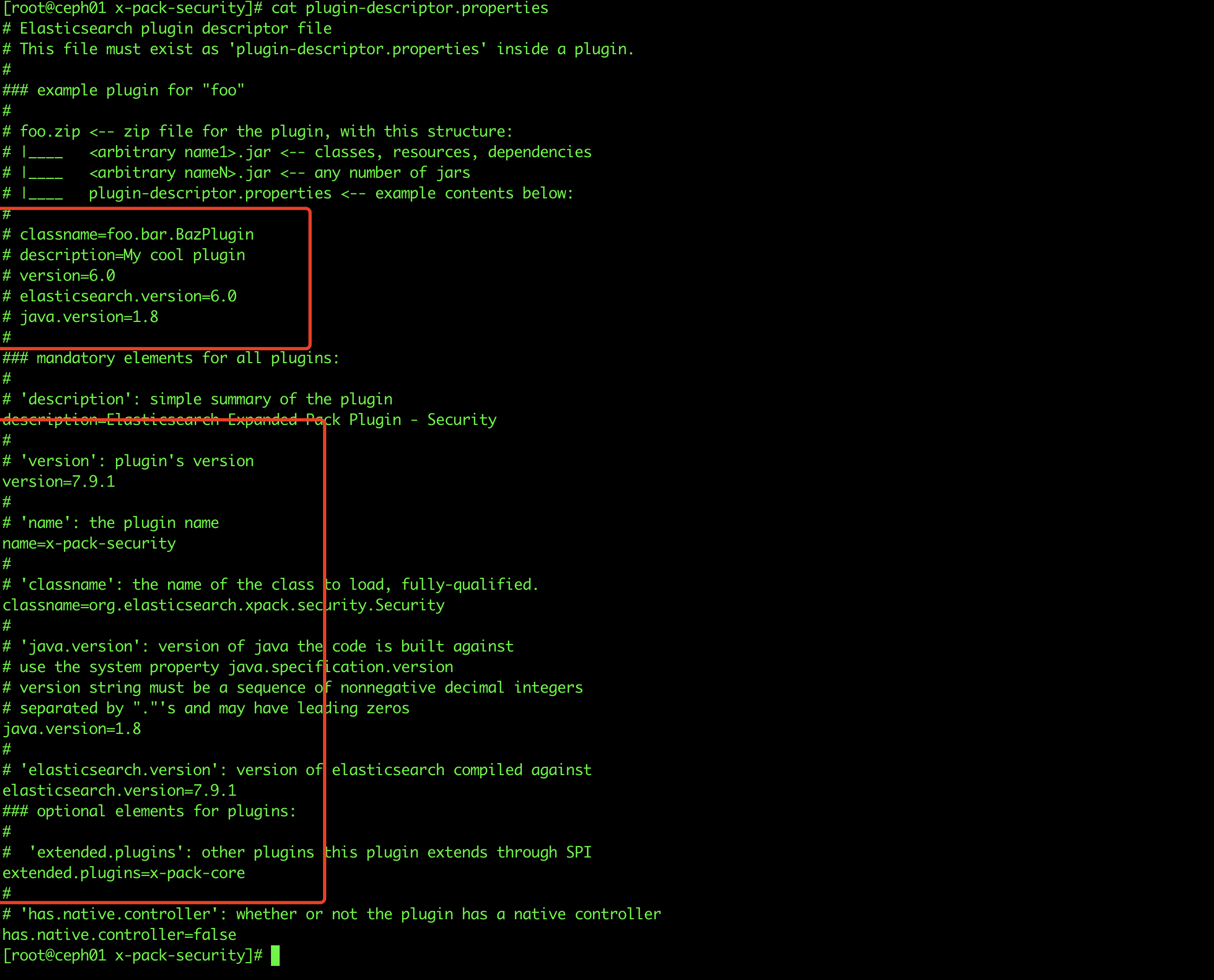
7.9.1破解版本下载xpack
拷贝到elasticsearch/elasticsearch-7.9.1/modules目录下
 解压
解压
 配置文件如图,配置核心步骤为:具体参数详见官方手册
- 第一:设置:xpack.security.enabled: true
- 第二:生成TLS证书
配置文件如图,配置核心步骤为:具体参数详见官方手册
- 第一:设置:xpack.security.enabled: true
- 第二:生成TLS证书
- 第三:配置加密通信
- 第四:设置密码
other-canal-client适配器同步ES配置
canal.conf:
  canalServerHost: 127.0.0.1:11111
  batchSize: 500
  syncBatchSize: 1000
  retries: 0
  timeout:
  mode: tcp
  srcDataSources:
    defaultDS:
      url: jdbc:mysql://127.0.0.1:3306/mytest?useUnicode=true
      username: root
      password: 121212
  canalAdapters:
  - instance: example
    groups:
    - groupId: g1
      outerAdapters:
      -
        key: exampleKey
        name: es6                           # or es7
        hosts: 127.0.0.1:9300               # es 集群地址, 逗号分隔
        properties:
          mode: transport # or rest         # 可指定transport模式或者rest模式
          security.auth: test:123456      # only used for rest mode
          cluster.name: elasticsearch       # es cluster name
References
![[在K8S中部署ECK#获取ES密码|在k8s中部署ECK获取ES密码]]